MaxDigitalData Warranty
MaxDigitalData stands behind its hard drives and SSDs with a warranty that covers defects in materials and workmanship under normal use. This page outlines our warranty terms, how to register your product, and how to submit a claim if you need support. We aim to keep the process clear and straightforward.
Popular Drives Covered by Our Warranty
Four of our most-purchased hard drives, each backed by a multi-year limited warranty for defects under normal use.
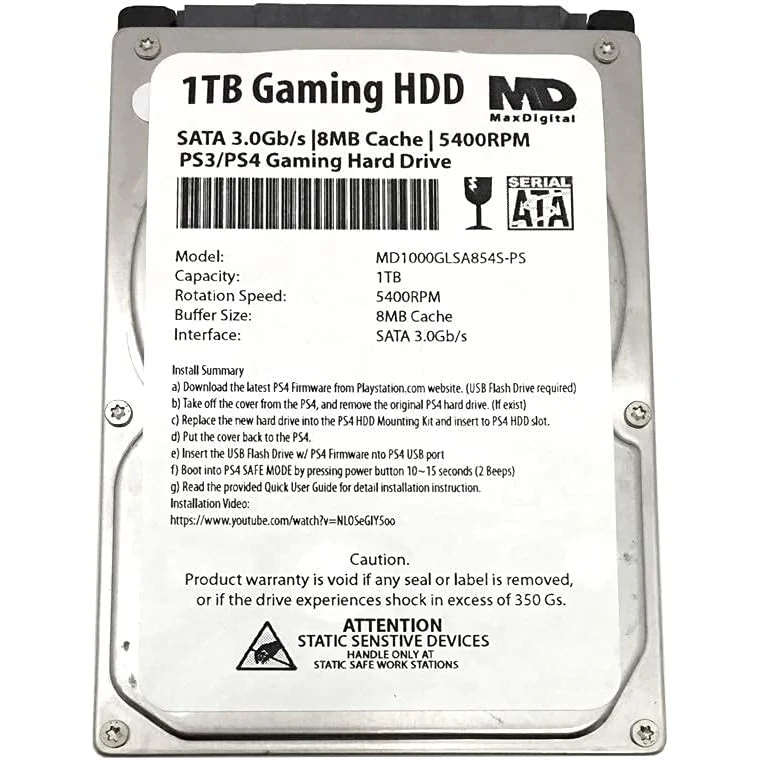
1TB Gaming HDD
A 1TB 2.5-inch gaming hard drive for PlayStation consoles, covered by a 2-year limited warranty.
Check Price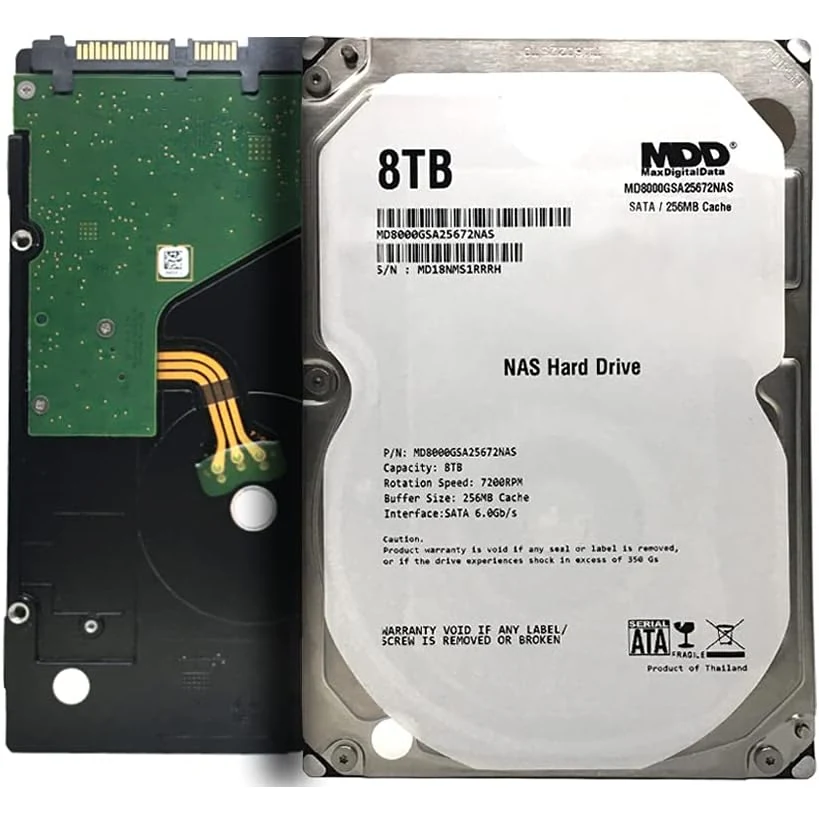
8TB NAS Drive
An 8TB 7200RPM NAS-grade drive backed by a 3-year limited warranty for always-on workloads.
Check Price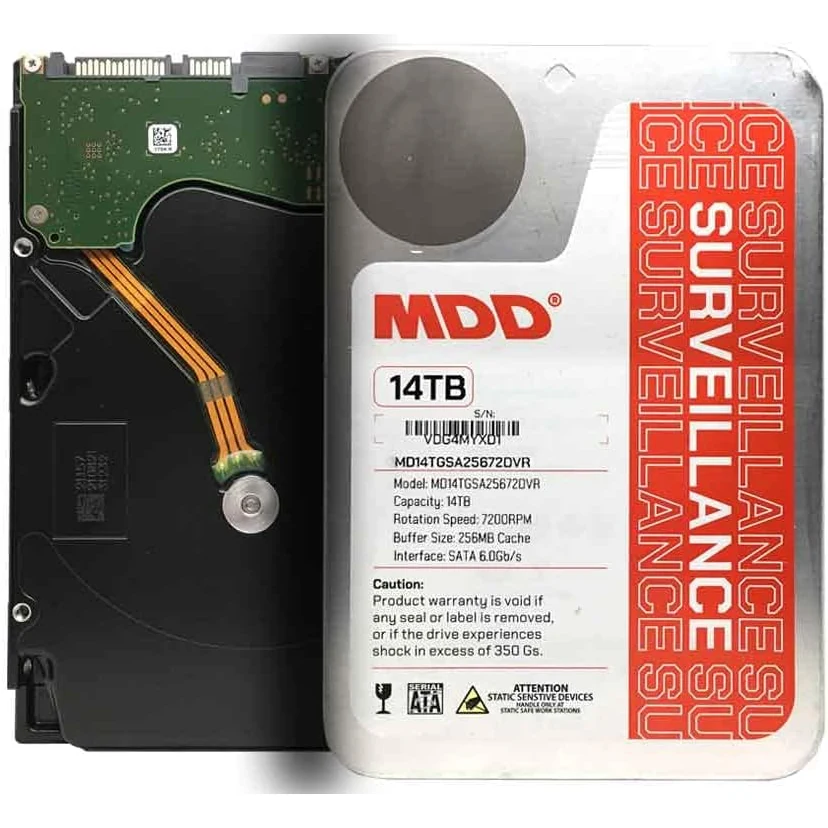
14TB Surveillance
A 14TB 7200RPM surveillance drive with a 3-year limited warranty for 24/7 recording systems.
Check Price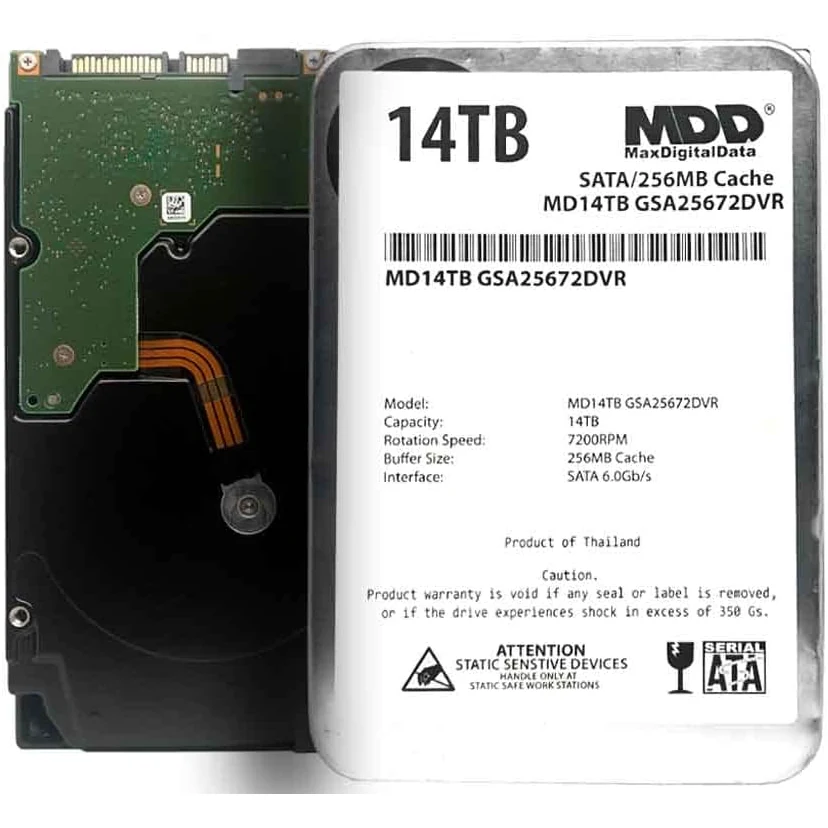
14TB Enterprise
A 14TB enterprise-class drive covered by a 3-year limited warranty for DVR and server workloads.
Check PriceWhat Is Covered
Our warranty covers manufacturing defects and failures that occur under normal use during the warranty period. Normal use includes typical desktop, laptop, external, or NAS usage as specified for the product. Covered issues may include failure to power on, read or write errors attributable to the drive, and other defects that are not caused by misuse, physical damage, or unauthorized repair.
Warranty length varies by product. Many internal and external hard drives carry a one-year or two-year limited warranty; some SSDs or higher-tier products may have longer terms. The exact period is stated on the product packaging, product page, or included documentation. If you are unsure, contact our support team with your model and purchase date.
What Is Not Covered
The warranty does not cover damage caused by misuse, drops, liquid exposure, power surges (where proper protection was not used), disassembly, or modification. It also does not cover data loss. We strongly recommend keeping regular backups of important data. Warranty service typically involves repair or replacement of the hardware only; we are not responsible for recovering or restoring data from failed drives.
If the product was purchased from an unauthorized seller or from a region outside our authorized distribution, warranty may not apply or may differ. Always buy from authorized retailers to ensure you receive full warranty support. You can learn more about our products and where they come from on our Who Makes page.
Registering Your Product
We recommend registering your drive after purchase. Registration helps us verify your purchase date and speeds up warranty claims. You can usually register online through our website or the link provided in the packaging. Have your serial number and proof of purchase handy. Keeping your receipt or invoice is important; you may need it when filing a claim.
Registration is optional in many regions, but it simplifies the process if you ever need to use the warranty. It also allows us to send important product updates or recall information if necessary. If you did not register at purchase, you can still submit a claim with your proof of purchase and serial number.
How to Submit a Warranty Claim
If you believe your MaxDigitalData drive has failed due to a manufacturing defect, follow these steps. First, stop using the drive to avoid further damage or data loss. Then, gather your proof of purchase (receipt or invoice), the product serial number, and a brief description of the issue. Contact our support team via the contact information on this website (e.g., email or support form).
Our team will guide you through the claim process. This may include basic troubleshooting to rule out connection or software issues. If a replacement is approved, you may be asked to return the defective unit. Once we receive and verify it, we will process the replacement according to our policy. Replacement units may be new or refurbished, depending on availability; refurbished units are tested to meet the same standards as new products.
Limitation of Liability
Our warranty is a limited warranty. To the extent permitted by law, MaxDigitalData is not liable for indirect, incidental, or consequential damages, including but not limited to loss of data or business. Our liability is limited to the purchase price of the product or the cost of repair or replacement, at our option. Some jurisdictions do not allow certain limitations, so these may not fully apply to you. Your statutory rights remain unaffected where applicable.
Regional Variations
Warranty terms and claim procedures may vary by region. For example, consumers in the European Union may have additional rights under local consumer law. Customers in the United States may be subject to different state laws. We strive to comply with local regulations and to provide clear, region-specific information where required. If you are outside our main service regions, check with your retailer or our support team for the applicable warranty and how to claim.
Summary
MaxDigitalData’s warranty gives you peace of mind when you buy our drives. Register your product, keep your receipt, and use your drive within its intended specifications. If a defect occurs, contact us with your details and we will work to resolve your claim fairly. For more about our brand and products, visit our homepage, read about who makes our drives, and see what customers say in our reviews.